👇 After this module
Your dashboard is live with real data in all five tabs. You can see your system working. Part 1 is complete.
What you'll do this week
- Launch your dashboard, get the live view of your system running on your machine
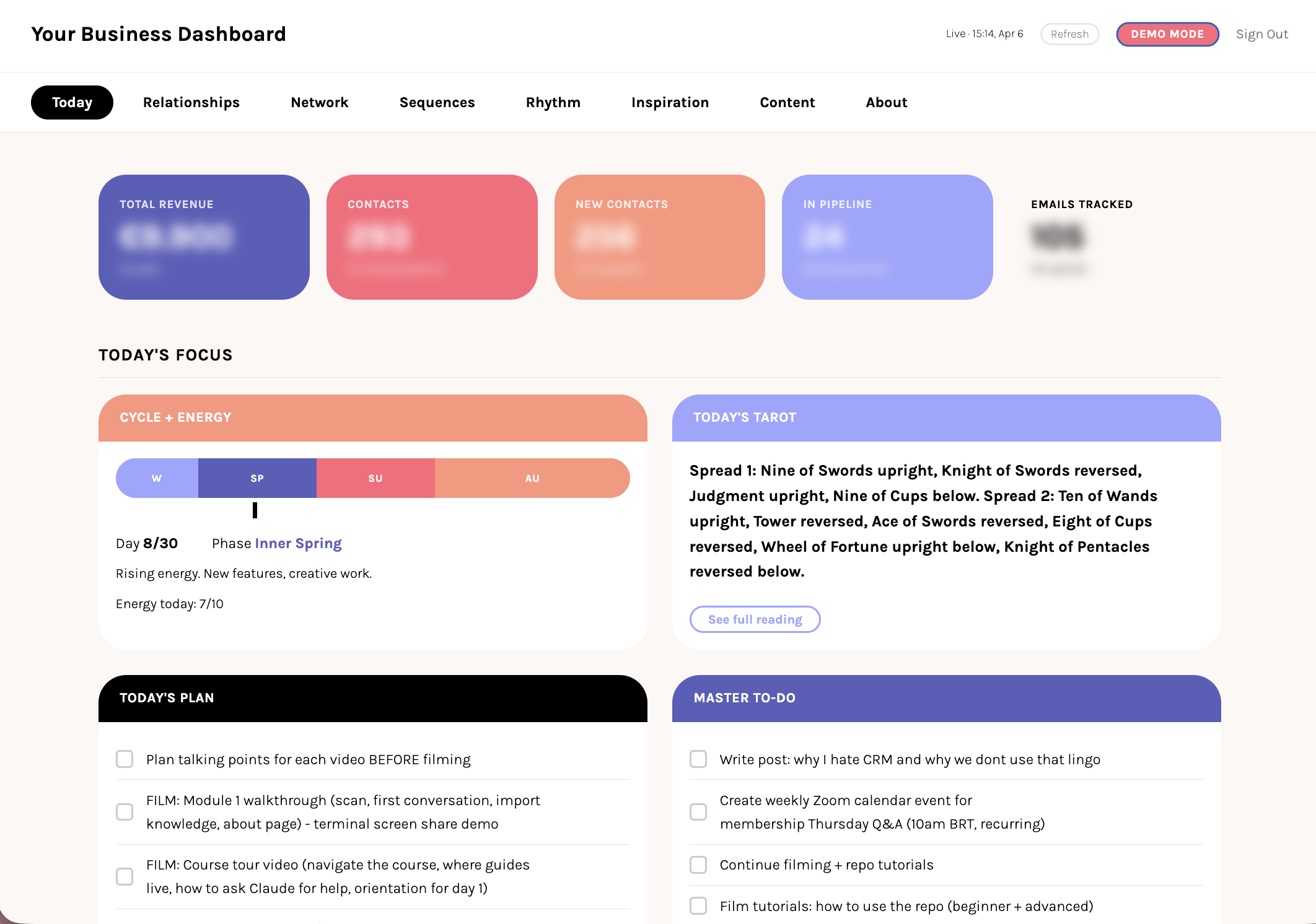
- Your Today tab, see your tasks, energy, and plan for the day in one place
- Your people, activate the Relationships and Network tabs with the contacts you imported in Week 2
- Your Inspiration tab, surface your content pillars, voice, and saved ideas in one creative launchpad
- The complete picture, watch every tab populated with your real data, your system reflected back
- What comes next, see where Part 2 takes you once your foundation is solid
What you'll leave with
- Your dashboard live with real data, not a template
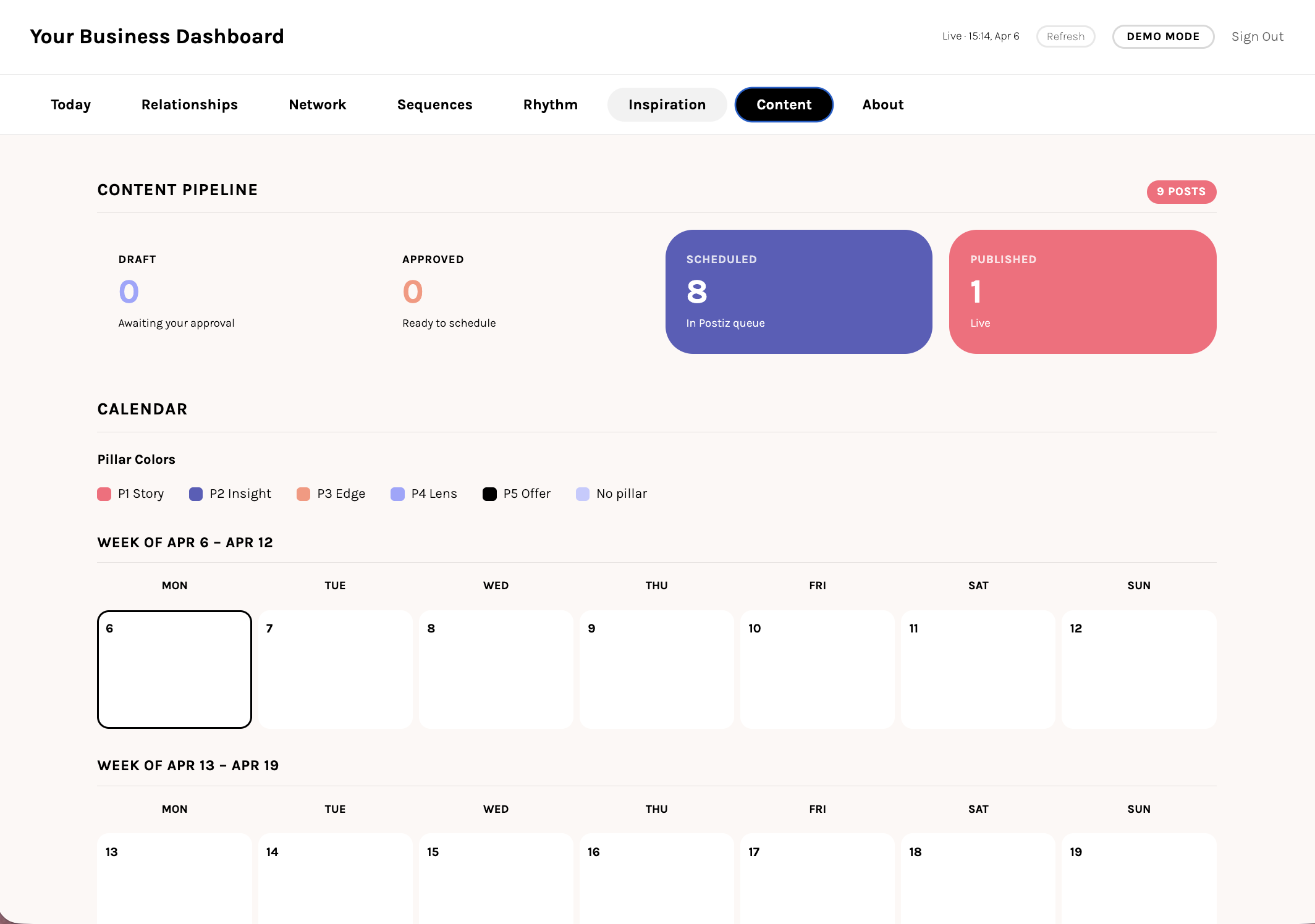
- Every tab populated: Today, Relationships, Network, Rhythm, Inspiration, Content, About
- A daily workflow that loops through morning protocol, the dashboard, and evening reflection
- The full picture of your root system, visible at a glance
- Part 1 complete and a clear view of what Part 2 builds on top
Why this matters
Everything you built in Weeks 1 to 3 lights up here. The dashboard becomes the mirror, your real system, reflected back.
Start here
Lesson 1: Launch your dashboard →
Takeaways
Your dashboard is not a separate app. It reads directly from the files your root system creates.
Each tab reflects a different part of your system: your story, your day, your people, your network, your creative fuel.
The dashboard grows richer over time. Week 1 is sparse. Month 3 is deep self-knowledge.
Part 2 connects your local system to live tools: database, website, email, CRM. Three new dashboard tabs unlock.
Action Steps
1Launch your dashboard locally and check all five tabs load with data.
2Run /morning at least twice to populate your Today tab with real data.
3Add contacts via /crm and import LinkedIn connections to populate your people tabs.
4Run the Part 1 checklist. Root file, memory, protocols, dashboard. If everything checks out, you are ready for Part 2.